On this page
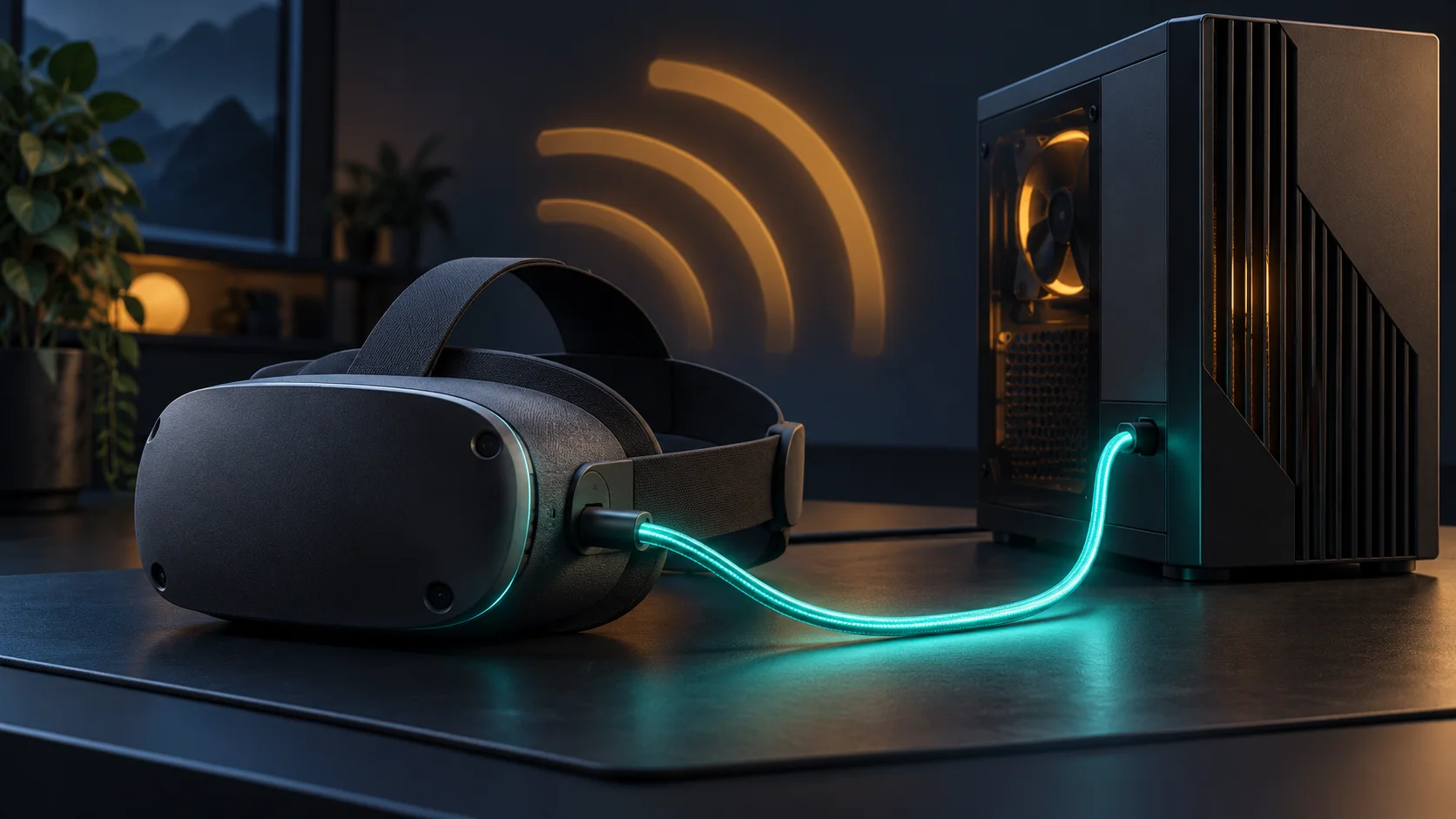
SteamVR 2.18 moved Valve’s wired Steam Link route for Meta Quest into the public release on October 21. Valve says Quest can now stream from a PC over USB with the latest Steam Link app installed on the headset.
That removes the multi-beta setup described when USB support first appeared in September. It does not make the headset run the PC game locally: the computer still runs Steam, SteamVR and the game, while Steam Link carries the session to the headset.
Three PC VR routes that should not be confused
| Route | What carries the session | What the official pages establish |
|---|---|---|
| Steam Link over USB | A USB data connection between the headset and PC. | SteamVR 2.18 adds tethered Quest streaming and requires the latest Steam Link app. Valve does not publish a cable-speed or charging promise in the release note. |
| Steam Link over Wi-Fi | The local network carries the stream. | Valve’s FAQ lists 5 GHz Wi-Fi 5 as the minimum router baseline and Wi-Fi 6 or 6E as recommended. The PC still runs Steam and SteamVR. |
| Meta Quest Link or Air Link | A Meta cable route or Wi-Fi route through Meta’s PC VR software. | Meta’s developer comparison still lists cable and Air Link support. SteamVR 2.18 does not remove or replace that separate option. |
The important purchase implication is simple: USB Steam Link is now another transport choice, not a new game license or a standalone edition. A Steam purchase remains a PC version, and the gaming PC still determines whether the title can render acceptably.
The requirements pages have not fully caught up
Valve’s current FAQ lists Windows 10 or newer, Steam and SteamVR, Meta Quest OS v74, and Quest 2, Quest 3 or Quest Pro. Its GPU floor is NVIDIA GTX 970 or AMD RX 570, excluding RX 6400 and RX 6500 XT because Valve says they lack the required hardware encoding support.
The current U.S. Meta Store listing also labels Quest 3S as a supported platform and shows the free app with about 3.9K ratings, while Valve’s minimum-requirements list does not name Quest 3S. That is an official-documentation mismatch, not proof that the headset fails. Check the app’s supported-platform label from the account and headset you plan to use.
Valve’s general getting-started steps still tell the headset and PC to use the same network and describe the app as wireless. The stable 2.18 note confirms USB tethering but does not spell out whether local-network discovery is needed for every wired session. Choosense therefore does not treat “USB” as a promise that Wi-Fi can always be disabled.
A short check before buying another cable
First update the stable Steam client and SteamVR, then update Steam Link on the headset. Test a USB cable already known to transfer data before buying a longer or more expensive one. Confirm that Windows, the GPU and the exact headset appear in the current support pages, then compare the same game and graphics settings over Wi-Fi and USB.
Record connection stability, visual artifacts and responsiveness separately. Valve lists reliability fixes, automatic-bitrate changes and fixes for video corruption in 2.18, but those release notes do not guarantee that one user’s USB result will beat a well-configured wireless network.
What remains unverified
Choosense has not measured latency, image quality, compression, battery drain, charging rate, cable compatibility or session discovery. Valve has not specified a minimum USB generation, maximum cable length or charging wattage in the opened stable-release note. The update is available; the performance result still depends on the PC, cable, software, game and headset.
Check whether your PC, ports and connection path are ready for VR →
Separate store ownership, device support and app compatibility →
Topics: Valve · SteamVR · Meta · Meta Quest · PC VR · Steam Link
XR glossary: understand the terminology →
Sources & verification
- Valve: Introducing SteamVR 2.18 — October 21, 2026 (primary)
- Valve Support: Steam Link for Meta, HTC and PICO headsets — checked October 25, 2026 (primary)
- Meta Store: Steam Link app listing — checked October 25, 2026 (primary)
- Meta Horizon OS Developers: compare devices — checked October 25, 2026 (primary)
- UploadVR: Steam Link USB public-beta test — September 2, 2026 (secondary)
Opened Valve’s October 21 stable release notes, current Steam Link support FAQ, current U.S. Meta Store app listing, Meta’s current device-comparison page and independent beta-era reporting on October 25, 2026. Valve confirms USB tethering in SteamVR 2.18 and requires the latest Steam Link app on Quest. The stable note does not publish a cable specification, charging claim, measured latency benefit or exact discovery sequence. Valve’s FAQ names Quest 2, Quest 3 and Quest Pro, while the current Meta listing also labels Quest 3S supported; Choosense did not resolve that documentation mismatch through hands-on testing. No headset, PC, cable, network, app, game, image quality, latency, charging or controller test was performed.
No corrections recorded.
Commercial disclosure: no paid placement or affiliate tracking is included in this article.