On this page
“Smart glasses” is a starting point, not a complete product description. Some frames provide sound and camera capture. Others put a small interface in view, act as a monitor, or run spatial apps with separate computing hardware. A VR device can even use a glasses-like shape. Before comparing brands, decide what you need to see—and what you are willing to carry.
Match the category to one task
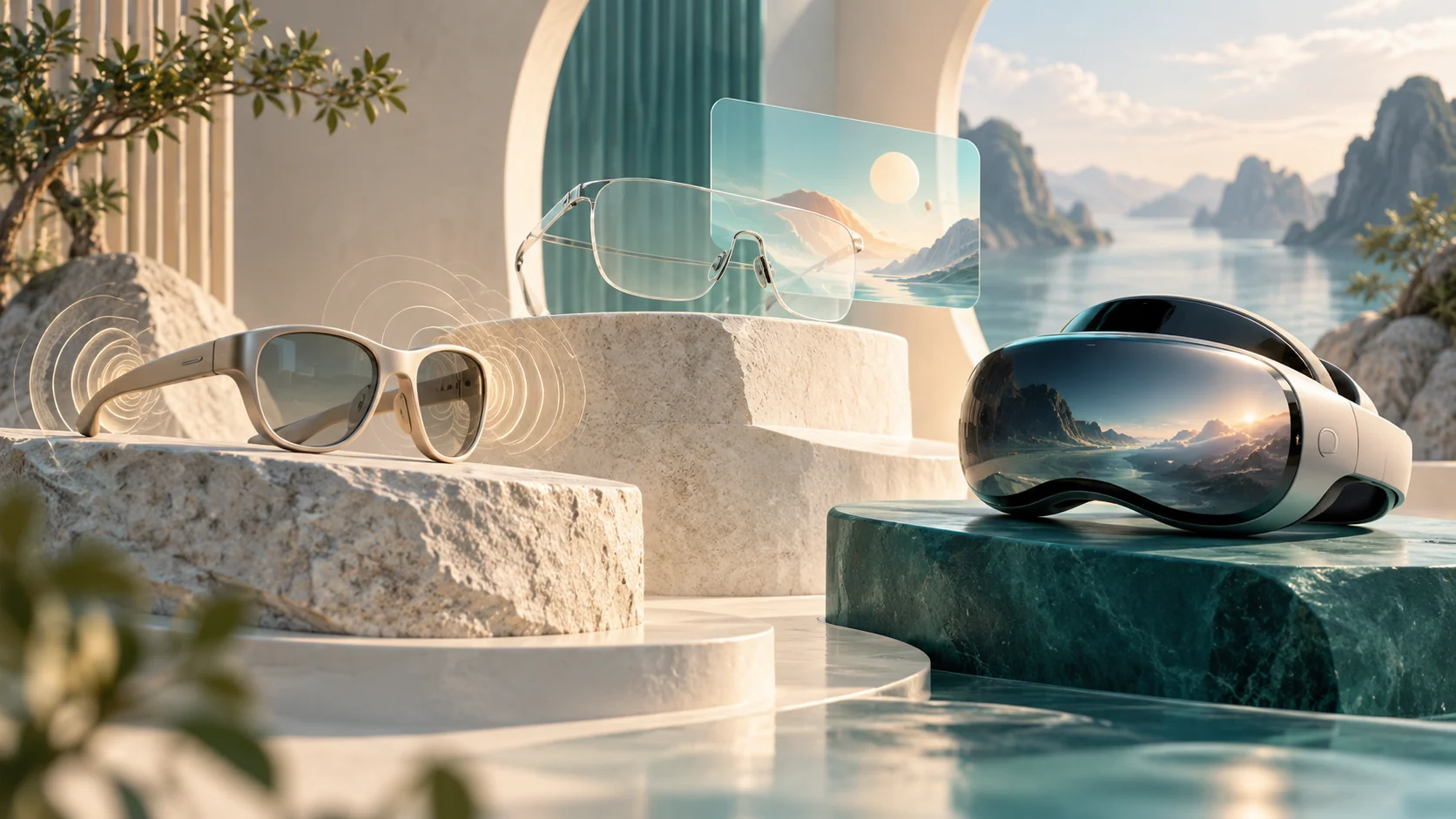
The groupings below are a practical buying framework. Products can cross these boundaries, so check the exact model and software rather than relying on the words AI, AR or XR on the box.
| Your main task | Category to investigate | What to check first |
|---|---|---|
| Calls, listening or voice assistance | Audio / AI glasses; some models also have cameras | Whether there is a screen or camera at all; supported phone and features |
| Brief visual information | AI glasses with a glanceable display | Which messages, apps and controls the display actually supports |
| A screen for an existing device | Wearable display glasses | Video-output compatibility, required adapters and power |
| Spatial apps through transparent lenses | See-through XR glasses | Where the apps run, required compute hardware and available software |
| Immersive virtual experiences | VR / mixed-reality devices | Exact app support, input devices and how the real world is shown |
Audio and AI do not guarantee a screen
A camera can supply visual input to an assistant without supplying visual output to you. Ray-Ban’s Meta documentation describes capture, calling, listening and AI functions, with a phone and app involved in setup. Decide whether spoken responses and hands-free capture solve your problem before shopping for anything more complex. Camera availability is model-specific; do not infer it from the AI label.
A display changes the interaction. Meta Ray-Ban Display, for example, has an on-glasses menu and can show a video caller. That does not establish support for your laptop desktop or every phone app. Treat each advertised visual feature as a separate compatibility question.
A wearable monitor still needs a video source
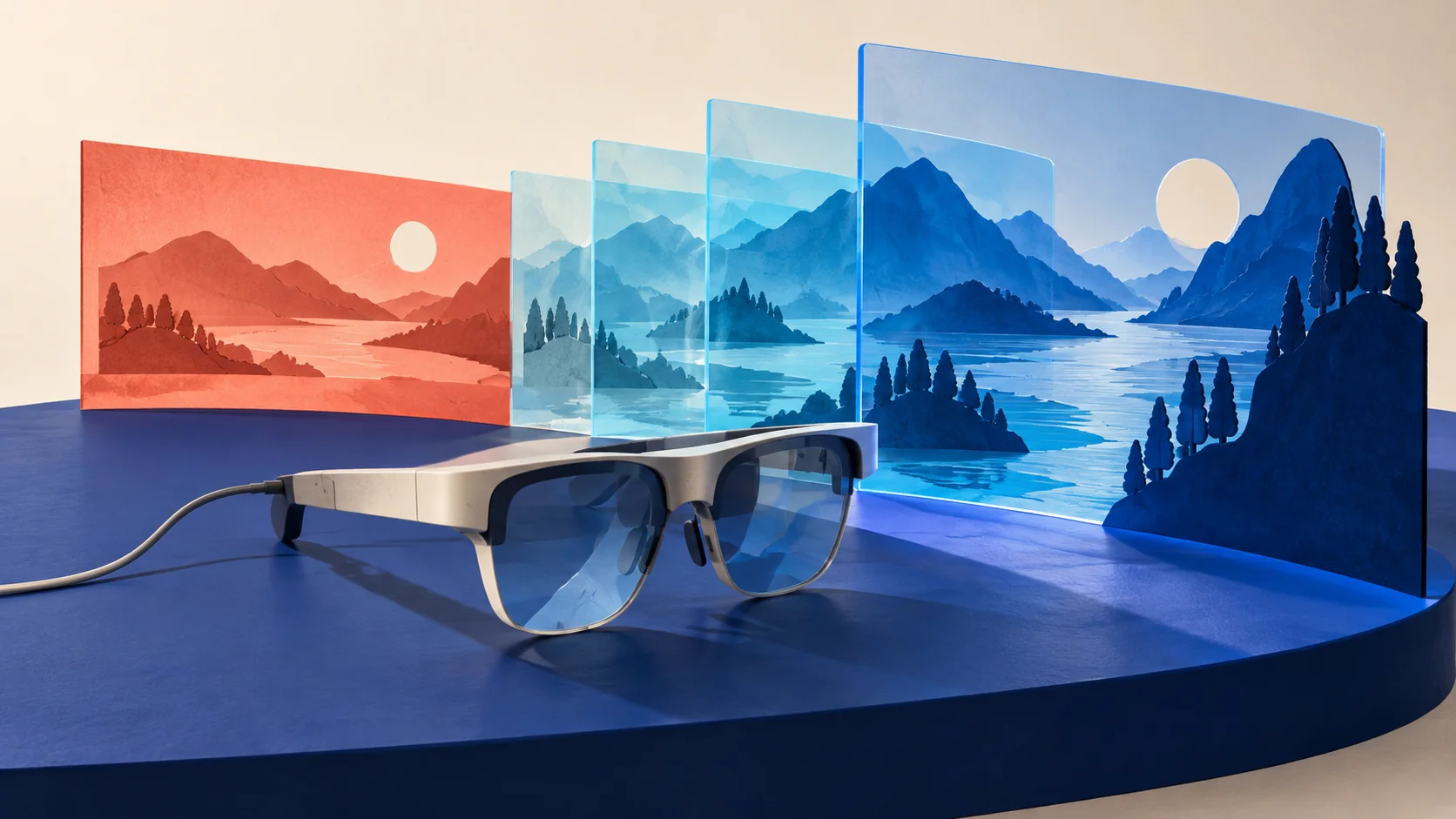
For films or an external computer screen, investigate display glasses first. VITURE’s Luma setup documentation describes connecting a laptop, smartphone or tablet and specifically asks users to verify DisplayPort over USB-C or equivalent video-output support. A matching USB-C connector is not enough evidence that the combination will work.
The same glasses can have different capabilities with different software or accessories. VITURE’s tracking notes distinguish desktop, mobile and Pro Neckband use. Write down your source device, operating system and intended app before comparing screen specifications. Count every necessary cable, adapter and power source in the setup you are evaluating.
Spatial glasses and VR are different ways to see content
Android’s documentation distinguishes wired XR glasses, which let you look through the lenses with digital imagery added, from headsets that show the physical world through cameras and internal displays. These approaches can support different experiences; a shared XR label does not make their view of the room equivalent.
XREAL describes AURA as an Android XR system combining glasses with a dedicated compute puck. That is a different proposition from merely connecting a monitor to a phone. It also means the frames are only part of what you carry. Consult our AURA report for dated ordering information; its product page is not proof of immediate stock.
XREAL AURA: announced US pricing and preorder restrictions
Shape alone is not a reliable guide, either. Meta’s developer comparison lists Quest as an all-in-one headset and Meta VR Glasses as glasses connected to a compute puck. They share a software platform but differ in form factor and input. Check whether the exact experience you want supports that specific device and its controls.
Meta VR Glasses: what the tethered design changes
Before paying, check the complete combination
Start with one sentence: “I want to use this device to do ___ with my ___.” Then verify five things with the seller and manufacturer: the exact model; your phone or computer compatibility; the required apps and accessories; US ordering and delivery terms; and the return policy for your chosen configuration. Prescription needs, physical fit and comfort belong in that decision too.
Separate features available now from promises about later software. Do not treat a deposit as a full purchase price, an announced ship window as a delivery guarantee, or a promotional discount as proof of value. A specifications page cannot establish how comfortable a product will feel on your face. Our recommendation is to eliminate incompatible categories first, then compare a short list for your actual task.
Phone pairing versus feature compatibility in Gemini eyewear
Will display glasses work with your phone, PC or console?
Topics: Smart glasses · Display glasses · Compatibility · Android XR · VR
XR glossary: understand the terminology →
Sources & verification
- Android Developers: types of Android XR devices (primary)
- Ray-Ban US: Ray-Ban Meta FAQs (primary)
- Ray-Ban US: Meta Ray-Ban Display FAQs (primary)
- VITURE Academy: Luma Series setup (primary)
- XREAL AURA: hardware and platform description (primary)
- Meta developer documentation: compare devices (primary)
Manufacturer documentation opened October 8, 2026. Device examples illustrate categories, not a ranking, purchase endorsement or confirmation of current US inventory. The task-based framework is Choosense’s analysis. We have not tested these products. No prices or unconfirmed release dates are used. This guide was renewed under Rodrigo’s standing editorial authorization; individual human review is not claimed.
October 8, 2026: Replaced the September 23 first-edition buying picks with a sourced category guide. Removed unsupported product rankings and stale prices. The existing URL is retained; the original publication timestamp was not recorded, so none has been invented.
Commercial disclosure: no paid placement or affiliate tracking is included in this article.